
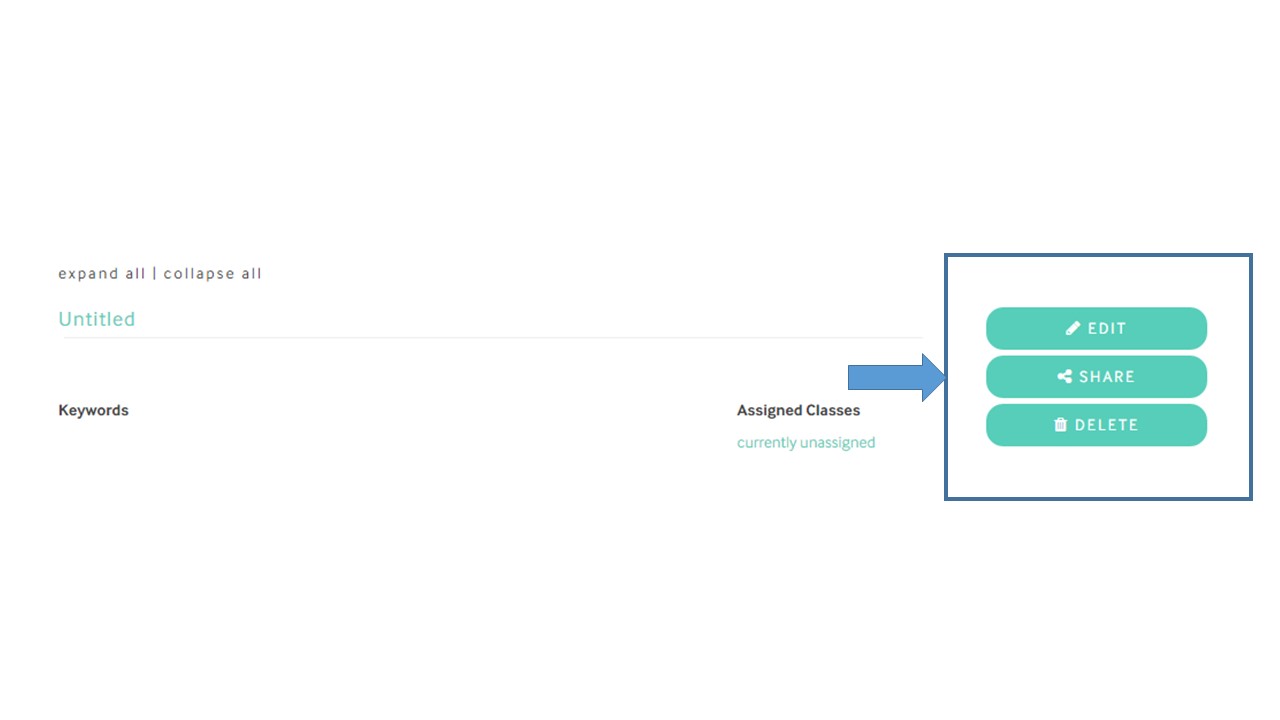
There are easy navigation tools from the main screen in Lessons & Assessments to edit, share, or remove a lesson or assessment. Click the appropriate button:
- Click the Title: To open a preview of the lessons or assesment
- Edit: Opens the lesson or assessment in full for changes and amendments.
- Share with Teachers: Uploads the lesson or assessment to Shared Resources for other teachers to use (note that a confirmation screen with additional details is shown before the lesson or assessment becomes public in Shared Resources).
- Assign to Class: Allows you to assign the lesson or assessment to a class you have created.
- Delete: Removes the lesson or assessment from Lessons & Assessments. Note that confirmation is required before deleting. Once a lesson or assessment is deleted it can not be retrieved.
Comments
0 comments
Please sign in to leave a comment.