
From "Lessons & Assessments", click the button "Create Lesson".
Once you click "Create Lesson", you will be brought to your newly created lesson with sections to fill in:
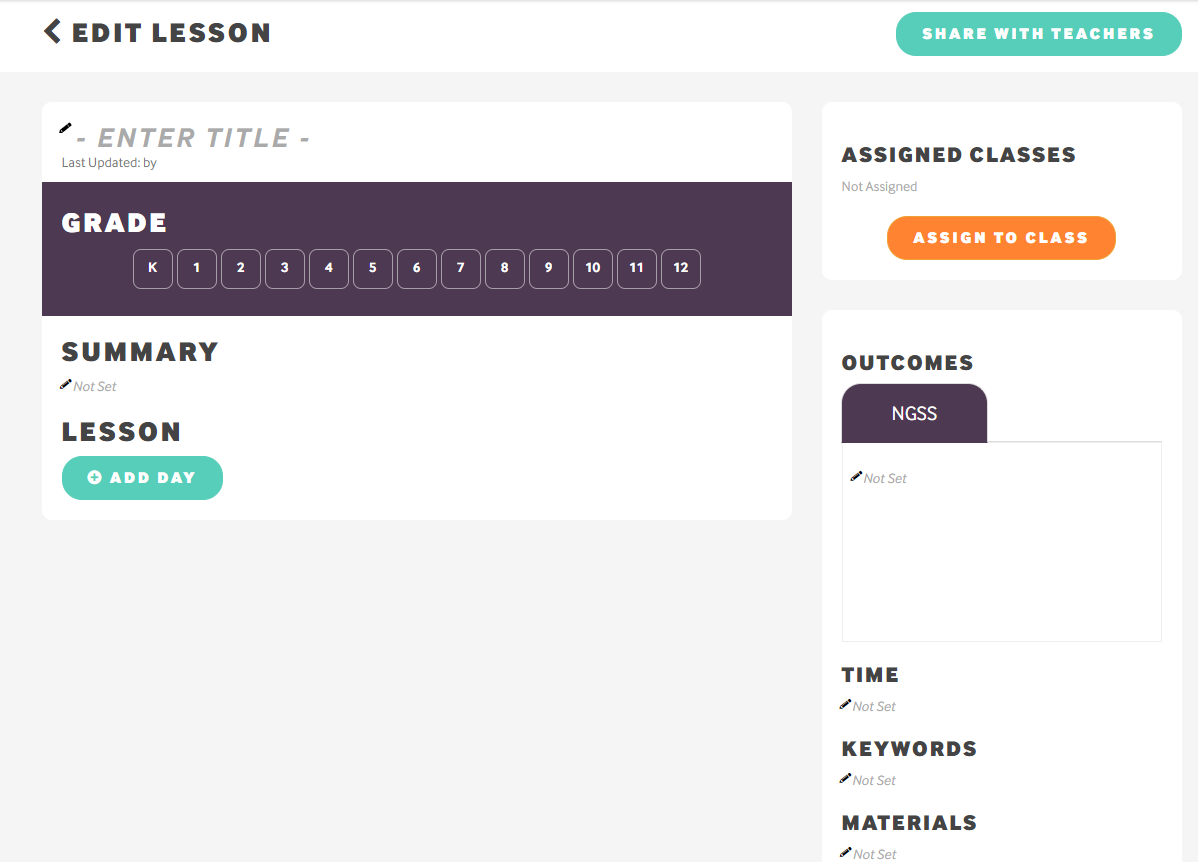
To get started, click "Add Day". Day 1 will appear. On the teacher-facing side (left-hand column), you can create days with additional attachments if necessary. On the student-facing side, you can attach Wonderville resources or assessments for any given day. For more information about attachments, assigning your lesson, or sharing your lesson to Shared Resources, please visit the corresponding help sections in this portal.
Comments
0 comments
Please sign in to leave a comment.